
If you've recently had a website built — or you're thinking about it — you've probably come across the phrase "website care plan" or "website maintenance plan." Maybe your web developer mentioned it. Maybe you've seen it offered as an add-on.
A lot of business owners aren't sure what these plans actually include, whether they're worth paying for, or whether it's just agencies trying to extract a recurring fee after the project is done.
Fair question. Here's an honest answer.
A website care plan is a monthly service that keeps your website running properly after it launches. Think of it like a maintenance contract for a piece of equipment your business depends on — regular upkeep to prevent problems, and someone to call when something goes wrong.
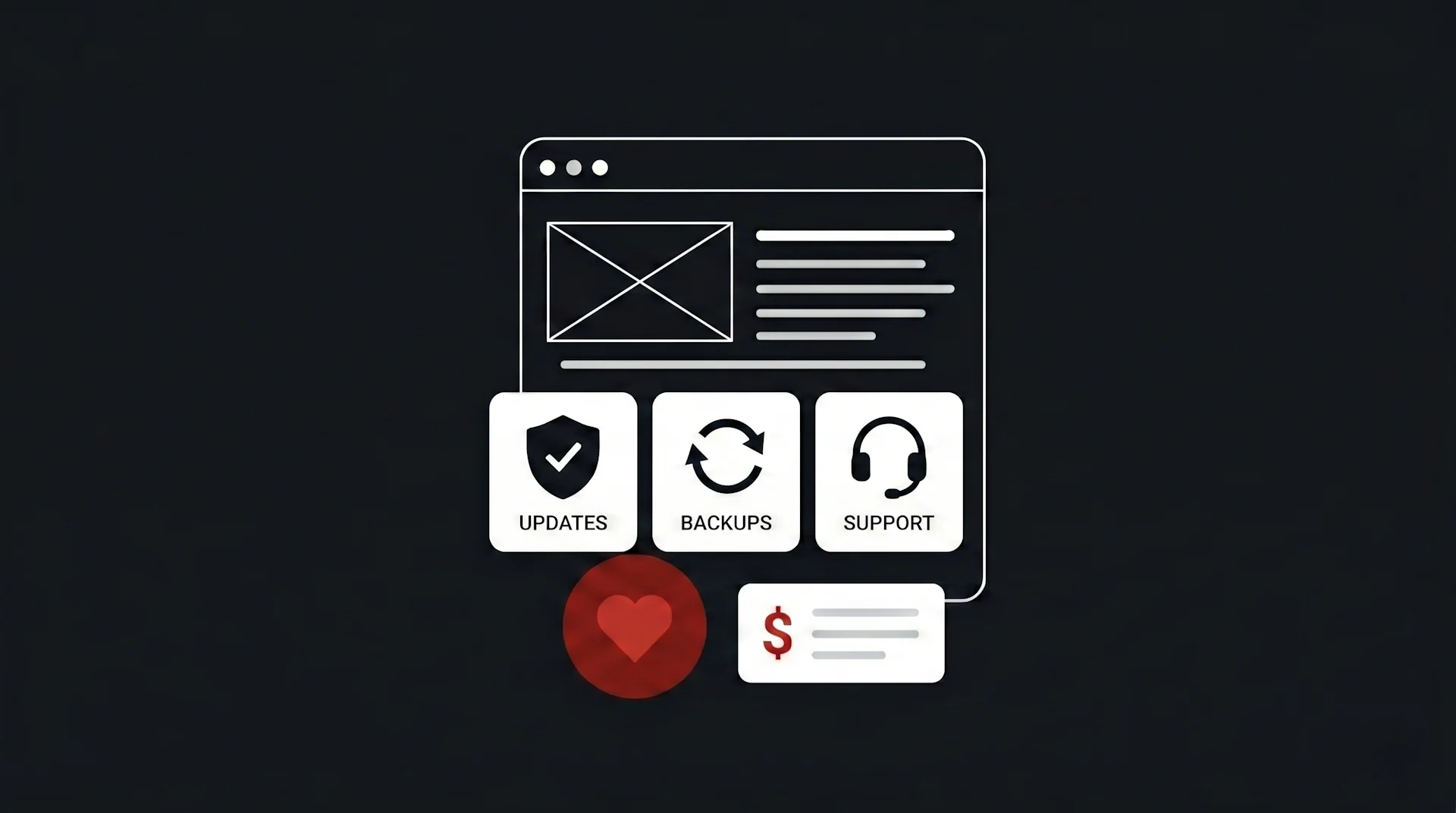
Depending on the provider, a care plan typically covers some combination of:
- Hosting — where your website lives on the internet
- Backups — regular copies of your site so it can be restored if something breaks
- Software updates — keeping WordPress (or whatever your site is built on) and its plugins current
- Security monitoring — watching for malware, intrusions, or vulnerabilities
- Small content edits — updating your hours, changing a phone number, swapping a photo
- Support access — a real person who will respond when you have a question or problem
Some plans are bare-bones hosting with a few automated tasks. Others are genuinely comprehensive and include a real human who knows your site and stays on top of it.
This is the part most people don't think about until something goes wrong.
WordPress sites get hacked. This isn't a scare tactic — it's one of the most common things we deal with. WordPress powers about 40% of all websites, which makes it a constant target. Outdated plugins and themes are the most common entry points. A site that isn't updated regularly is a site that's getting more vulnerable every month.
When a WordPress site gets hacked, it usually doesn't announce itself with a skull and crossbones. More often, it quietly starts serving spam links to other sites, or redirecting certain visitors to gambling or pharmaceutical pages, or sending spam email from your domain. You might not notice for weeks. Your customers might. Google definitely will — and it can blacklist your site, which is a significant problem to recover from.
Plugins and themes go out of date. WordPress, its themes, and its plugins are updated constantly — for security fixes, compatibility improvements, and new features. When you stop updating, these components drift out of sync with each other. Eventually something breaks — a form stops working, a page displays incorrectly, or a plugin conflicts with an update you didn't install.
Hosting companies aren't your support team. If you're on cheap shared hosting, you have access to a support ticket system that's staffed by people who don't know your site. They can restart a server. They can't fix a broken plugin conflict or restore a site from the right backup point.
Backups aren't automatic everywhere. Many hosting plans either don't include backups, only do weekly backups, or keep backups for 30 days and then delete them. If your site breaks during an update and the problem isn't noticed for six weeks, those backups might not be useful.
WordPress makes updating plugins look easy — you log in, click "Update All," and it usually works. For a technically comfortable business owner with time to spare, self-managing some maintenance is entirely reasonable.
The honest risks:
- Updates sometimes break things. Plugin updates occasionally conflict with themes or other plugins. When that happens, knowing how to safely roll back requires a bit of technical knowledge.
- It requires consistent attention. "I'll do it when I remember" usually means it doesn't happen regularly, which defeats the purpose.
- Backups require setup. You'll need a backup plugin (several good free ones exist), configured properly, storing copies somewhere other than your hosting server.
- You're still your own support. When something breaks at 11pm before a big client meeting, you're the one Googling the fix.
For some businesses, this is fine. For others, it's not a good use of their time and expertise.
Prices vary significantly depending on what's included:
Budget plans ($30–$60/month) Usually automated hosting with basic security scanning and monthly backups. Often provided by hosting companies rather than web agencies. You're getting infrastructure, not a person.
Mid-range plans ($80–$150/month) Typically include managed hosting, daily backups, plugin/theme updates done by a human, basic security monitoring, and some form of support access. This is where most reputable small agencies sit.
Comprehensive plans ($150–$300+/month) Include everything above plus regular content edits, monthly performance reviews, priority support turnaround, and proactive advice on improvements. Makes sense for businesses whose website is a primary revenue driver.
Our plans start at $99/month and include:
- Reliable Canadian hosting — your site hosted on infrastructure we manage and trust
- Daily automated backups stored off-server
- WordPress core, theme, and plugin updates done by a human, not a script — we check that things still work after updating
- Security monitoring with active response if something is flagged
- Small content edits each month — hours, prices, team members, text changes, image swaps — anything under about 30 minutes
- A real person on email who knows your site — usually same-day response during business hours
We're not the cheapest option. But our care plan clients are the ones who call us when something urgent comes up, and we pick up.
Not all plans are equal. A few things worth scrutinizing:
"Unlimited updates" — This sounds great but usually has fine print. Ask what counts as an update and what gets billed separately.
Automated-only plans — Some plans are entirely hands-off: a script runs updates, a script checks uptime, a script sends you a report. There's no human actually looking at your site. That's fine for basic monitoring, but it won't catch a plugin conflict that breaks your contact form.
Offshore or outsourced support — You submit a ticket, it gets picked up by a support team who has never seen your site before. Nothing wrong with that for basic hosting questions, but it's not the same as someone who built your site and knows how it's put together.
Lock-in contracts — Monthly maintenance plans shouldn't require a 12-month commitment. If someone is asking you to sign a long contract for ongoing maintenance, ask why.
No clarity on what happens when you leave — If you cancel, do you get your files, your database, your domain? Make sure the answer is yes before you sign up.
Honest answer: it depends.
You probably need one if:
- Your website is built on WordPress or another CMS with regular updates
- Your site has an active role in your business — people contact you through it, find you through it, or buy from you through it
- You don't have someone technical in-house
- You've already had a bad experience with a site going down or getting hacked
- Your time is better spent running your business than managing a website
You might not need one if:
- Your site is a simple static site with no CMS (these need almost no maintenance)
- You're technically comfortable and genuinely committed to managing it yourself
- Your site is more of a digital business card that you rarely need to update
You definitely need something if:
- Your site is on cheap shared hosting with no backups
- You haven't updated your WordPress plugins in months
- You're still on the login details from whoever built your site and have no idea what's running in the background
Most business owners don't need to think about their website very often. The point of a good care plan is that you don't have to. It's running, it's backed up, it's current, and someone is keeping an eye on it.
When something does go wrong — and eventually, something always does — there's a person to call who already knows your site.
For most small businesses, that peace of mind is worth $100 a month.
We're happy to look at your current setup and give you an honest assessment — whether that leads to working with us or not.